If you want to add a contact to your account. Please action the following steps.
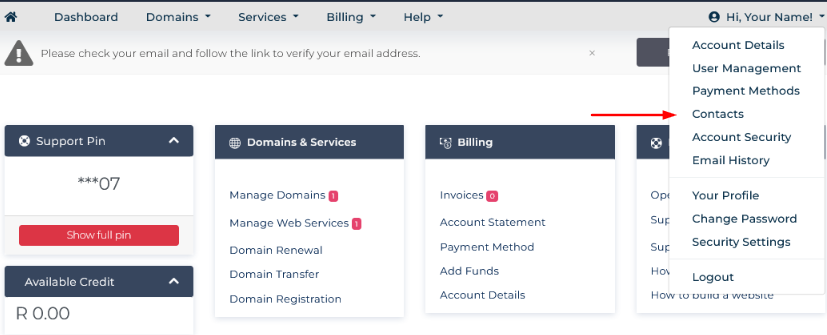
1.)Ensure that you are signed into your profile. You are signed into the account if your see the below: (Dashboard, Domains, Services, etc)

2.) Click on "Hi, Your Name' and then 'Contact'
3. Enter their details and set the 'Email Preferences'
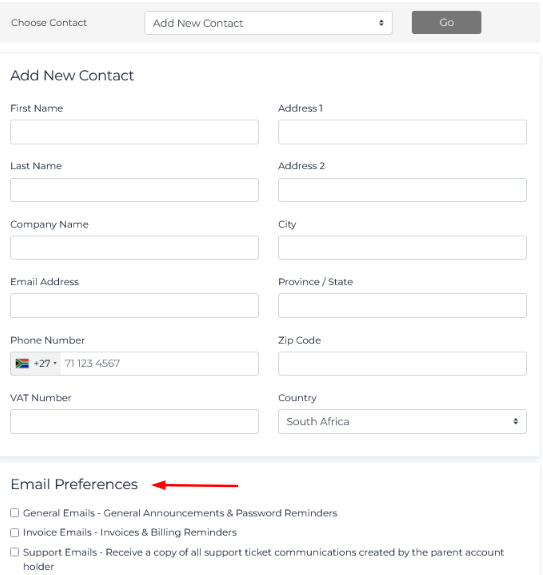
4. Save changes.
This will create a contact on the account that will receive the selected emails.