The holiday rush is almost here, and many South African businesses want a credible site live before the shopping and travel spike. Website Builder vs WordPress hosting: the fastest route depends on what you need now, and what you might need next year.
If you want a polished brochure site with minimum upkeep, a Website Builder is the speed path. If you want room for advanced features like e-commerce, multilingual content, or custom code, WordPress hosting gives you control with a little more setup.
This guide compares both options, shares practical decision criteria, realistic time-to-launch estimates, and a focused 60-minute launch checklist you can follow today.
The quick path: Website Builder for fast brochure sites
A Website Builder bundles templates, hosting, SSL, and a drag-and-drop editor in one subscription. You sign up, pick a template, add your text and images, connect your domain, and publish. The platform handles updates and most security tasks for you.
Who it suits
- Service businesses, portfolios, landing pages, and small product showcases
- Teams without a developer who need a professional site live today
- Owners who want to avoid plugin updates and technical maintenance
Typical time-to-launch
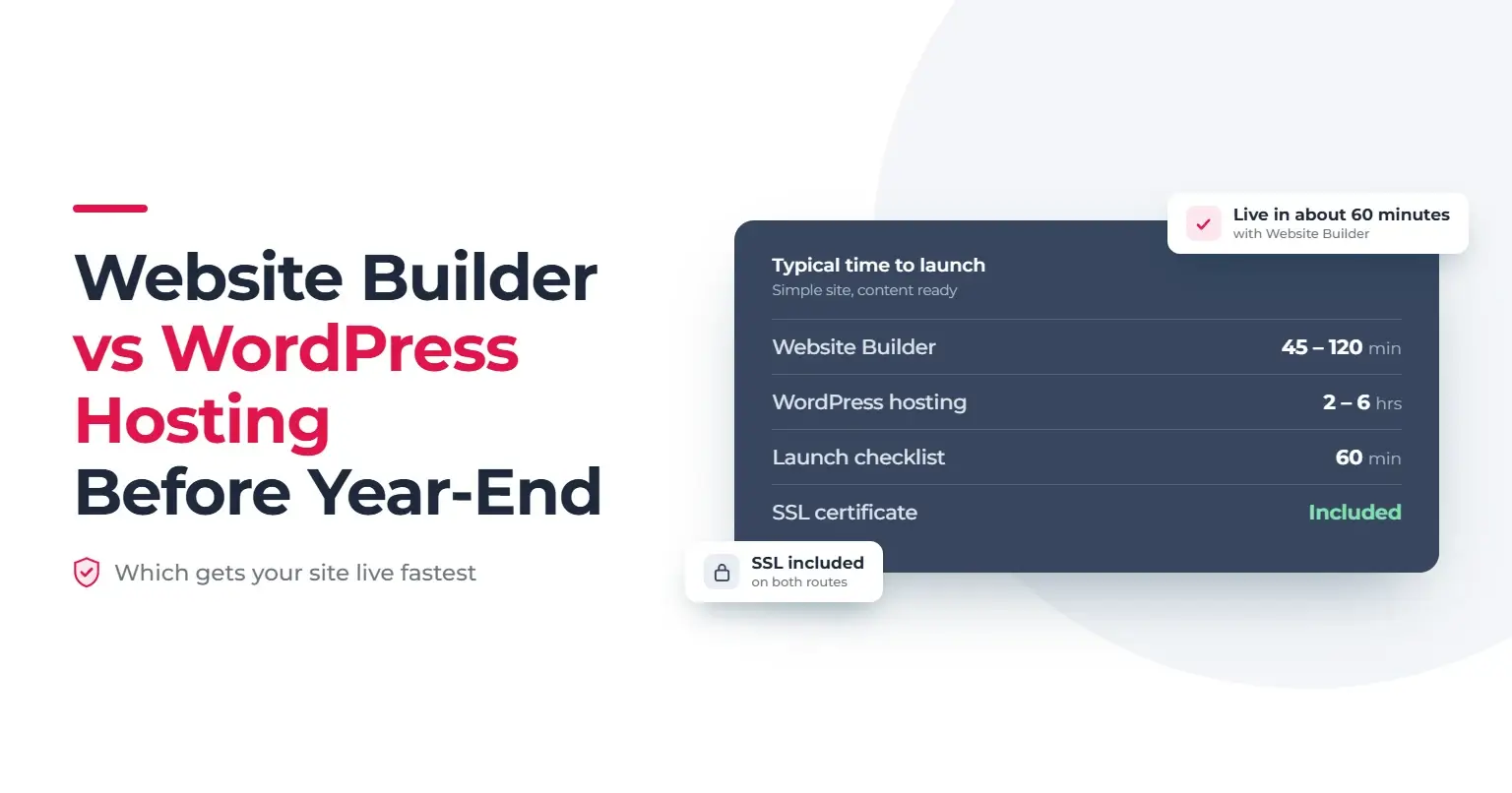
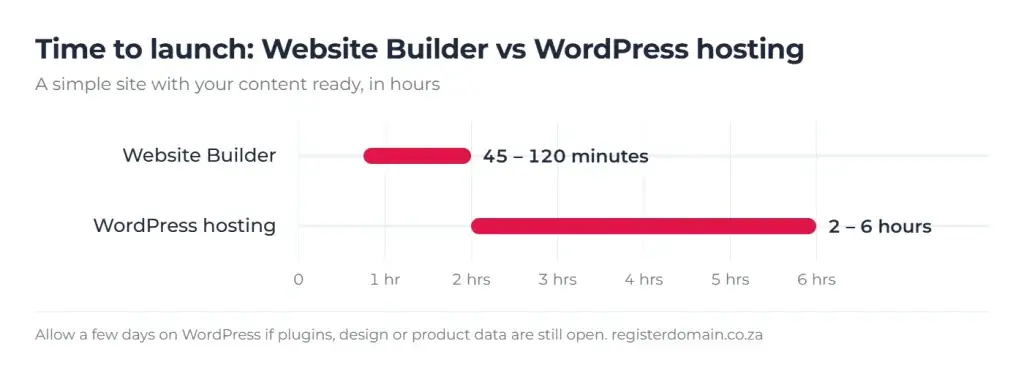
- 45 to 120 minutes for a simple one to five page site when your content is ready
Key benefits for South African businesses
- Built-in SSL and hosting, with local performance focus
- Integrated DNS and quick domain connection when managed in one account
- Low maintenance after launch, so you can focus on content and sales
Explore templates and try the editor on the Website Builder page. It is the simplest route to go live fast.
The extensible path: WordPress hosting for growth and custom features
WordPress hosting provides a flexible, self-hosted environment with cPanel, PHP, MySQL, and one-click installers. It suits builds that may add e-commerce, memberships, multilingual content, advanced SEO tools, or custom integrations.
Who it suits
- Stores planning WooCommerce and payment gateways
- Content-heavy sites, directories, membership areas, or custom code
- Teams that want full plugin and theme control
Typical time-to-launch
- 2 to 6 hours for a simple theme-based site if you have content and a chosen theme
- A few days if you are still selecting plugins, refining design, or preparing product data
Key benefits for South African businesses
- Local hosting reduces latency for SA visitors
- One-click WordPress install, SSL included, and WordPress-aware support
- Headroom to scale features as you grow
Review options and install WordPress from the WordPress hosting overview.
Decision guide: choose the right option for December deadlines
Choose Website Builder if
- You need a credible, mobile-ready site live today with minimal upkeep
- You prefer an all-in-one stack with hosting, SSL, and templates included
- You do not need complex plugins, heavy custom code, or complex e-commerce
Choose WordPress hosting if
- You plan to sell online with WooCommerce or need multilingual features
- You want plugin flexibility, custom themes, or integrations
- You are comfortable doing updates and basic site care, or have a developer
Hybrid path
- Launch a quick Website Builder site now, then plan a WordPress migration in the new year if you outgrow the builder
For the full side-by-side comparison, read our guide to WordPress hosting vs website builders.
Time-to-launch estimates you can trust
- Website Builder: often live in about 60 minutes when content and images are ready
- WordPress hosting: a same-day launch is realistic for a simple theme, but allow more time for plugin selection, menus, and testing
Both routes include SSL and can be paired with branded email once your domain is active. Keeping domains, DNS, hosting, and email in one account speeds up setup and reduces mistakes.
Your 60-minute launch checklist
Set a timer for 60 minutes and work through these steps.
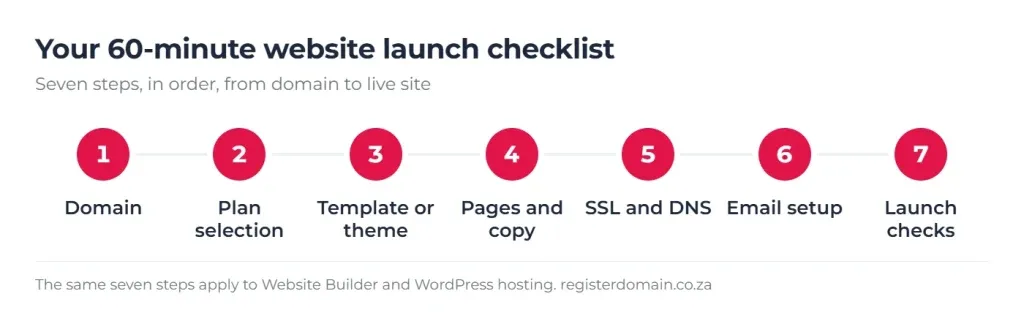
- Domain
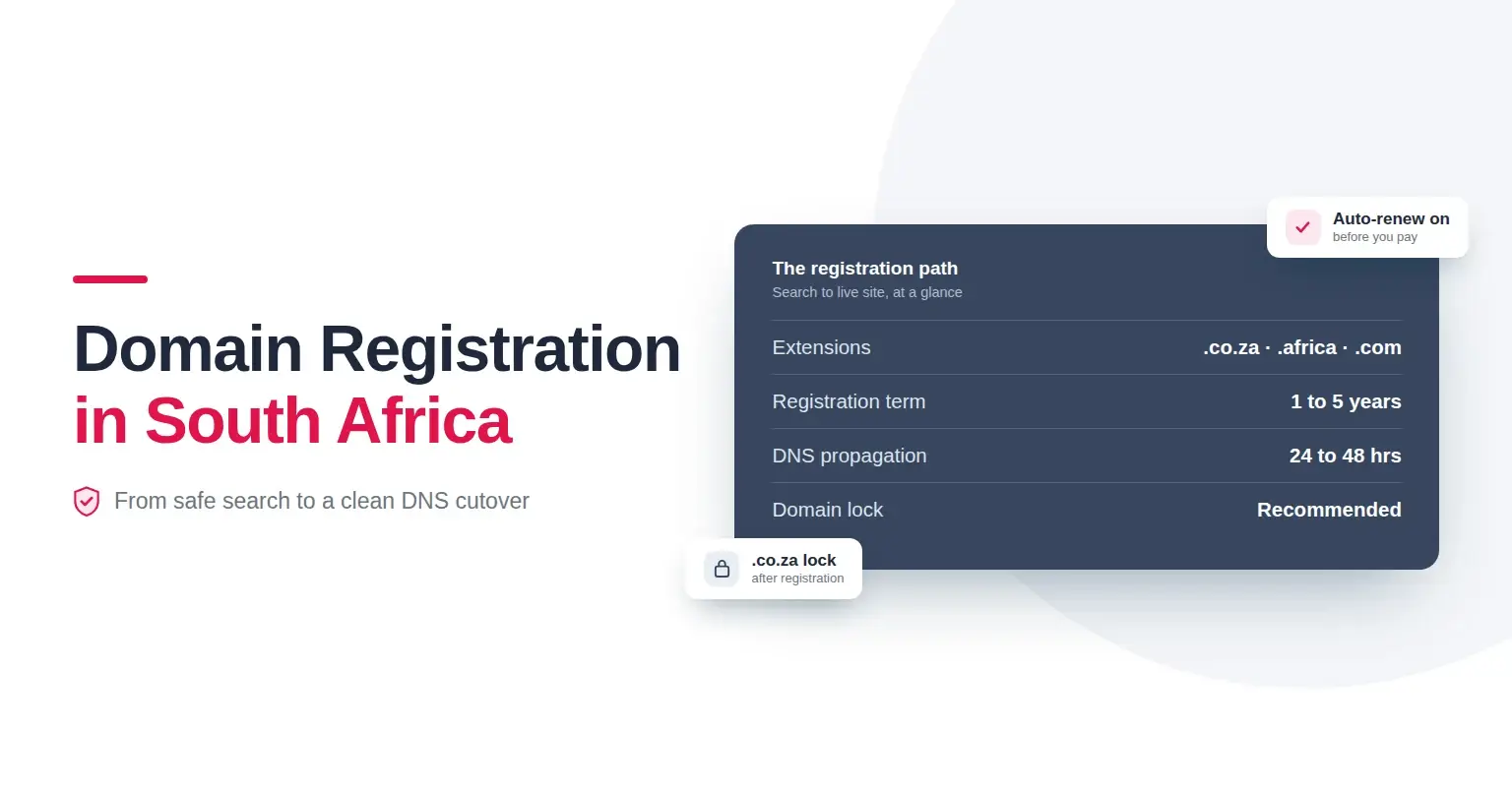
- Search and secure a .co.za or .africa that matches your brand, keep it short and easy to spell
- Enable auto-renew and confirm the WHOIS contact email is correct
- Plan selection
- If speed matters most, choose Website Builder and a template that fits your service
- If you need plugins or WooCommerce soon, choose WordPress hosting with one-click install
- Template or theme
- Builder: pick a template, swap logo, colours, headings, and hero image
- WordPress: install a lightweight theme, import demo content if available
- Pages and copy
- Home: what you do, who you help, and one clear call to action
- Services or Products: short descriptions and pricing guidance if possible
- About: credibility, local presence, and team photo if available
- Contact: phone, email, address, embedded map, and a short form
- SSL and DNS
- Confirm SSL is active, then point the domain to your site via the DNS Manager
- Allow time for propagation, often within 24 to 48 hours; many changes apply faster locally
- Email setup
- Create a branded mailbox like hello@yourdomain.co.za and configure SPF and DKIM
- Add the mailbox to Outlook or your preferred client with secure ports
- Launch checks
- Test on mobile and desktop for layout, speed, and forms
- Verify the padlock icon shows in the browser and links resolve correctly
- Publish and share your new URL on Google Business Profile and social channels
Local support, integrated DNS and SSL
Register Domain focuses on South African performance and registry compliance. You can manage your domain, DNS, hosting, SSL, and email in one place, which typically means faster setup and fewer surprises at year-end. If anything needs a closer look, open a support ticket so the team can troubleshoot and resolve it properly.
Quick internal resources
- Compare Website Builder plans and templates: see the builder overview on the website builder page
- Need the flexibility of themes and plugins: read more on the WordPress hosting page
- Set up branded email after launch: explore the email hosting options
FAQ: hosting and domains in South Africa
- How do I host a website in South Africa? Choose a local provider, register your domain, pick either Website Builder or WordPress hosting, connect DNS to your site, and enable SSL. Local hosting improves speed for SA visitors.
- Can I host my own website for free? Free options exist, but they often use subdomains, display ads, or lack SSL and support. For a business, a paid plan with your own domain and SSL is recommended.
- What is a domain and hosting? A domain is your website address. Hosting is the server space and technology that serves your site to visitors. You typically need both.
- What is the best domain hosting? The best choice balances reliability, local performance, SSL, DNS control, and responsive support. For SA audiences, local infrastructure usually delivers faster load times.
- How to host a website in South Africa? Register a domain, choose Website Builder for fastest launch or WordPress hosting for flexibility, point DNS to your service, confirm SSL shows the padlock, and publish.
Key takeaways and next steps
- Need to be live before holidays with minimal upkeep: choose Website Builder and publish today.
- Need e-commerce, multilingual, or custom code: select WordPress hosting and plan a slightly longer setup.
- Keep domains, DNS, SSL, hosting, and email together for speed, clarity, and support.
Start by searching and registering your domain, then pick the fastest-fit plan for your year-end launch. If you need help, open a support ticket and the local team will guide you through DNS, SSL, and email setup.