Domain registration in South Africa starts with getting your perfect domain, the first real milestone in launching a local website or email brand. This guide walks you through a safe search, smart name choices, the checkout flow, setting nameservers, and preparing DNS for a controlled cutover. You will also find .co.za and registry-specific notes, timing expectations, and how our manual fraud checks protect customers.
Whether you are a first-time founder or moving a mature brand, use this as a practical checklist you can follow from search to go-live.
Search safely and choose the right name
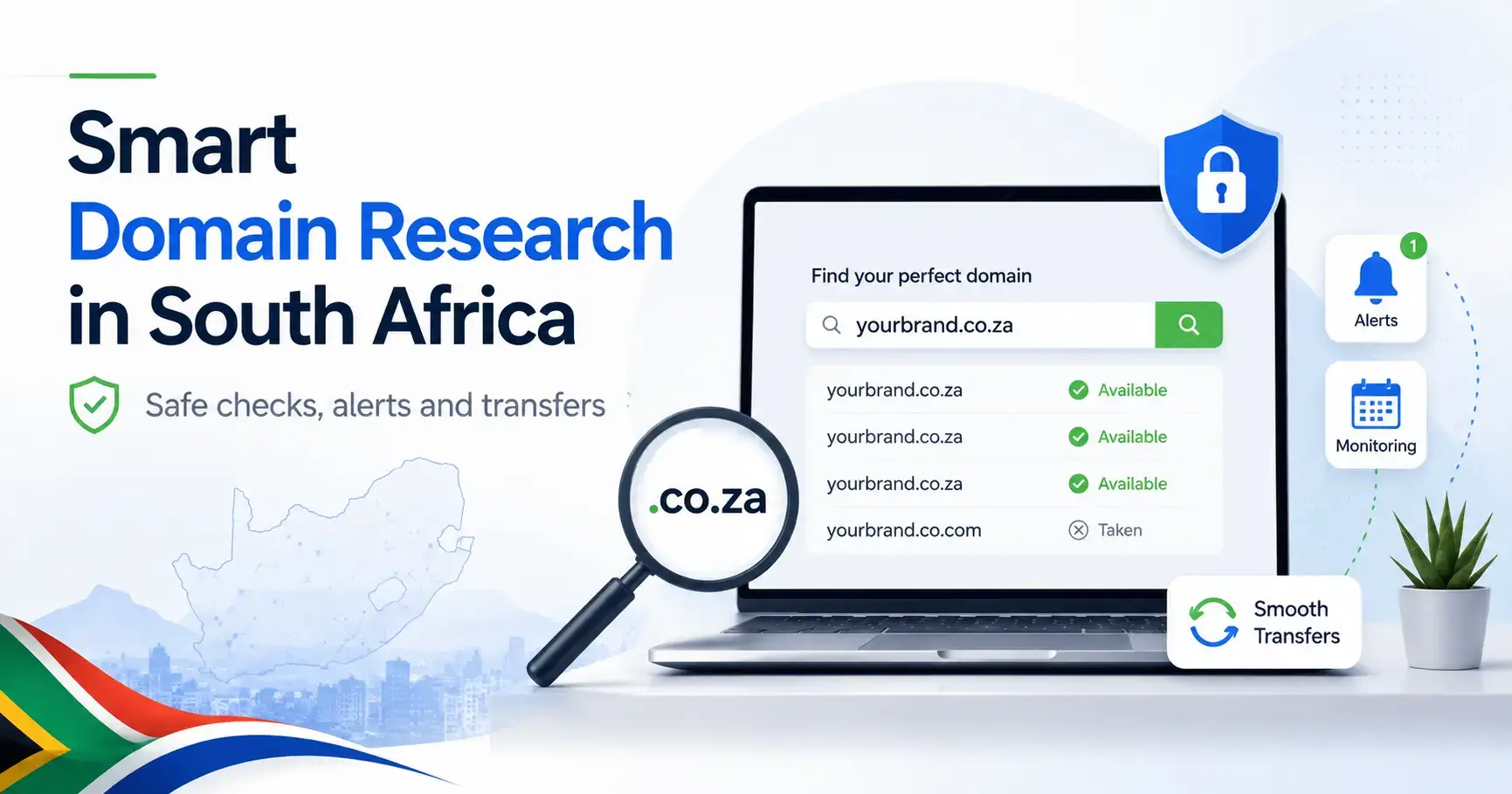
Start where your search is protected. It is safe to check availability when you use a reputable registrar that queries official registries and keeps your shortlist private. Avoid random third-party tools that may log and resell search data.
- Begin your search with the availability tools at our domain registration page (lookups query official registries and return live data).
- Shortlist names that are short, easy to spell, and match how customers say your brand.
- Check for obvious trademark conflicts before you commit.
Comparing extensions
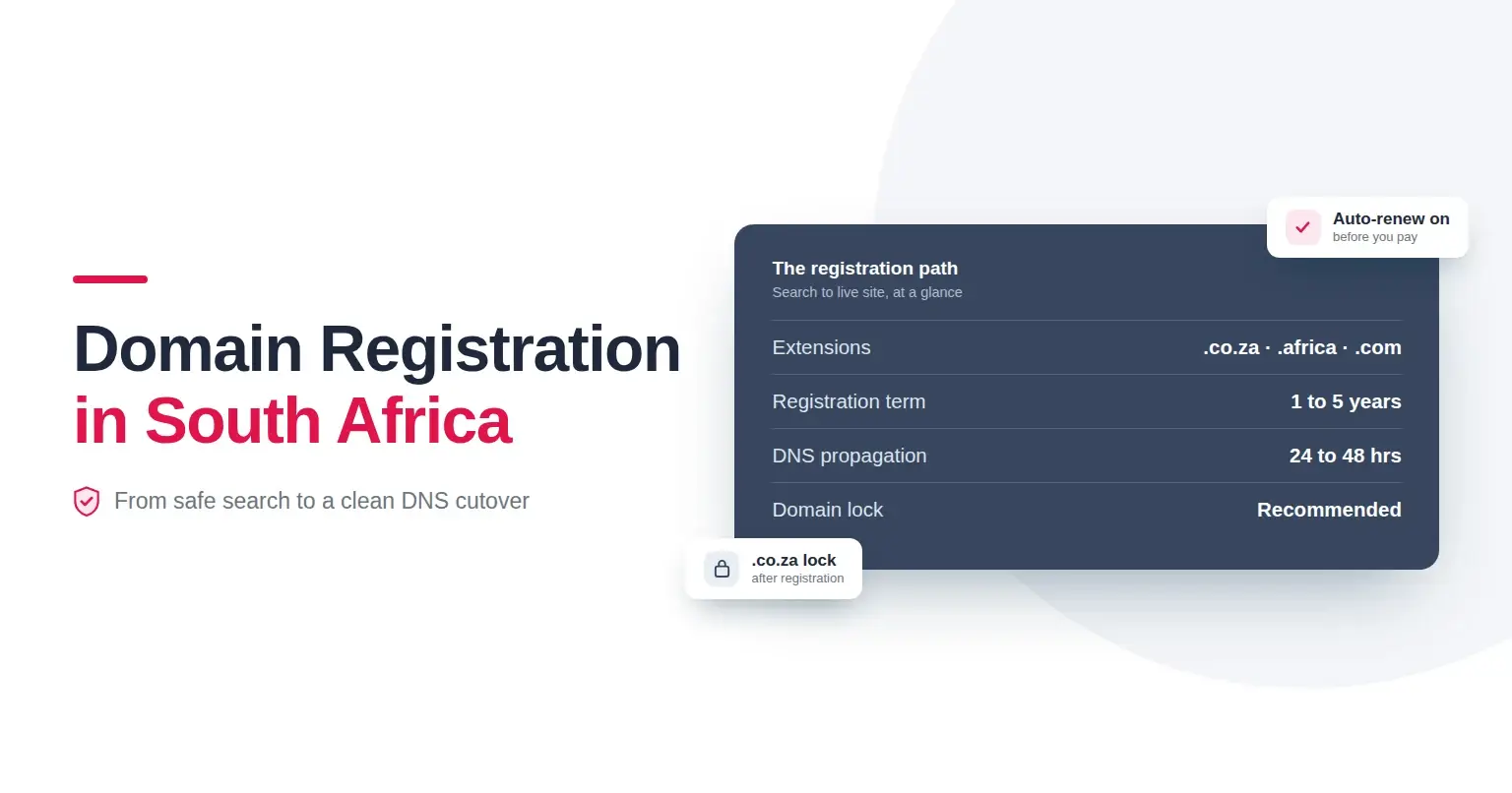
- .co.za suits South African focus and local trust.
- .africa signals a continental footprint and brand identity across African markets.
- .com remains globally familiar and is useful for expansion and defensive coverage.
If you find your exact match available, act quickly. If it is taken, use watchlists and consider a backorder to improve your chance of capture when it drops. Backorders are not guaranteed, but they often help when timing the deletion window for .co.za.
Tip: Protect your brand by registering key variations, for example your main .co.za plus .africa or .com, then redirect the extras to your primary site.
Complete checkout with compliance in mind
Once you select a name:
- Add the domain to cart and choose a 1 to 5 year term. Multi-year terms reduce renewal risk and help lock pricing.
- Provide accurate registrant details. Keep WHOIS contact emails current because renewal and verification notices are sent there.
- Enable auto-renew before you pay. This reduces expiry risk and avoids backorder competition later.
- Review renewal pricing and terms, then complete payment via EFT, Credit Card, or PayPal.
Manual fraud and compliance checks protect customers. Orders may be held, declined, or suspended if details are non-traceable or if names closely resemble government or protected institutions. If you believe a decision needs review, contact legal@registerdomain.co.za with supporting information.
.co.za-specific notes
- .co.za domain locking is available to help prevent unauthorised transfers and DNS changes. Enable it after registration.
- Watchlists and quick action matter during the deletion window for expiring names.
Set nameservers and prepare DNS for a controlled cutover
Decide where DNS will live
- Using our Free DNS Manager: leave default nameservers and manage A, CNAME, MX, TXT, SPF, DKIM, and DMARC in your account.
- Using external DNS or hosted nameservers: set custom nameservers in My Account.
Important registry requirement: certain operations need an existing DNS zone on the target nameserver before updates are accepted, especially for .co.za transfers. Create the zone in advance so registry checks succeed.
Plan a clean cutover
- Prepare the DNS zone ahead of time. Add A and AAAA records for the website, MX for email, and SPF/DKIM/DMARC for deliverability.
- Test on a staging subdomain if possible, then schedule your switch.
- Update nameservers or records during a low-traffic window.
- Allow 24 to 48 hours for propagation. If changes are not live after 48 hours, open a support ticket for checks.
Redirects and forwarding
- To forward a domain, point nameservers to ns1.fwd.registerdomain.net.za and ns2.fwd.registerdomain.net.za, then configure forwarders in the control panel.
Private nameservers
- Create vanity nameservers by adding hostnames plus IP addresses in your account, then set them at the registry.
Prepare email the right way
If you plan branded mail from day one, set MX plus SPF, DKIM, and DMARC before cutover. This improves deliverability and reduces spoofing risk. For step-by-step mailbox setup and secure routing, explore our email hosting options and knowledge base.
Propagation timing and how to verify
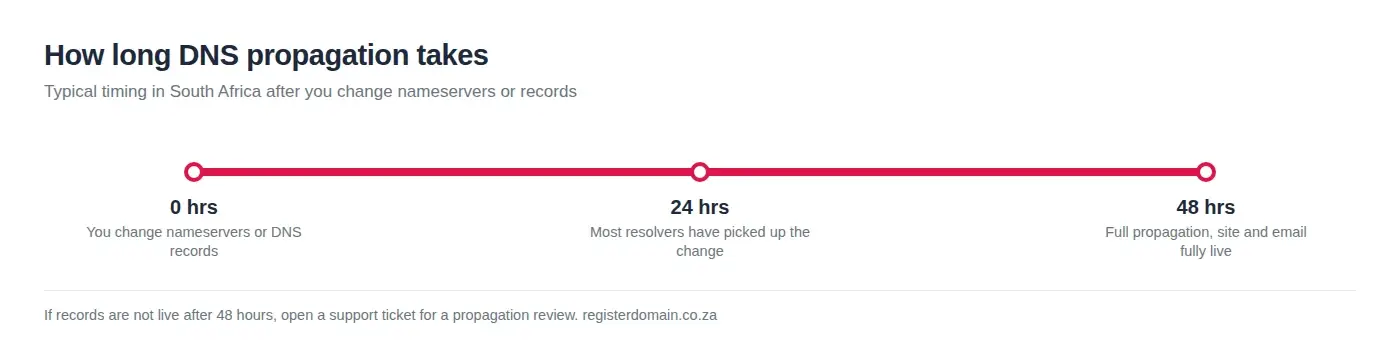
Most DNS changes complete within 24 to 48 hours. During this window:
- Use WHOIS and DNS lookup tools to confirm nameserver and record updates.
- Clear local browser and device caches if you are not seeing changes that others can.
- If updates stall beyond 48 hours, contact support for a propagation review.
How our fraud checks protect you
We perform manual fraud screening to reduce abusive registrations, phishing risk, and look-alike domains that mimic government or protected entities. We may request clarification or supporting documents. When an order cannot proceed, we will explain the outcome and process a refund where applicable. Dispute or rights concerns can be sent to legal@registerdomain.co.za or abuse@registerdomain.co.za with evidence.
Step-by-step: from search to live site
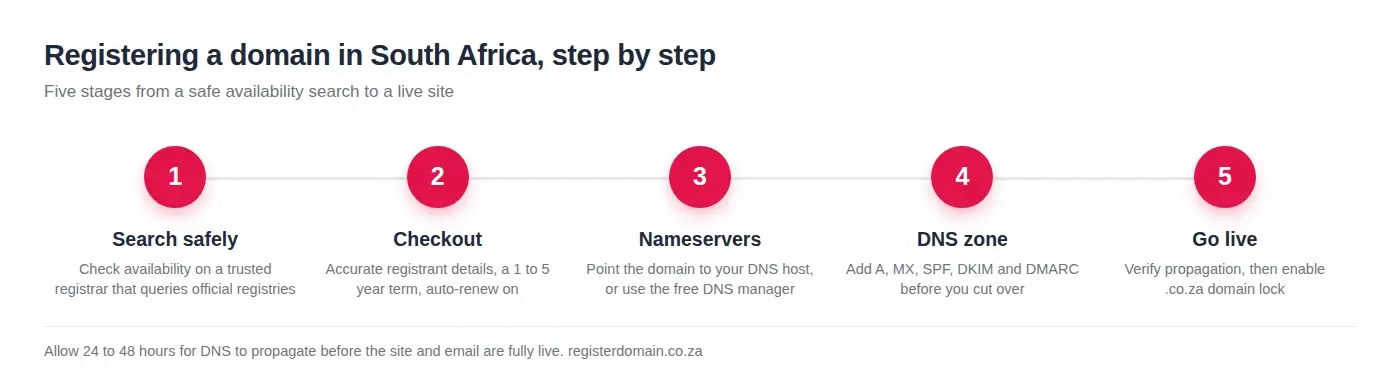
- Search securely and shortlist names.
- Compare .co.za, .africa, and .com, then add your selection to cart.
- Choose multi-year term and enable auto-renew.
- Complete accurate registrant details and payment.
- Set nameservers and build the DNS zone before cutover.
- Add A, CNAME, MX, SPF, DKIM, and DMARC as needed.
- Schedule the switch, verify propagation, and enable .co.za domain lock.
Quick FAQ
Search availability on a trusted registrar, add the name to cart, choose term length, enable auto-renew, complete payment, then set nameservers and prepare DNS.
Yes, when you use a reputable registrar and keep your shortlist private. Avoid unknown search tools that may log queries.
Use an official availability checker and confirm with WHOIS and DNS lookups. For taken names, set a watchlist or backorder and monitor key dates.
Add it to a watchlist, place a backorder, and track the deletion window for .co.za. Timing support is available through a ticket.
Support paths in South Africa
Need help with propagation checks, DNS setup, or a controlled cutover?
- Open a ticket: registerdomain.co.za/new-support-ticket
- Email: support@registerdomain.co.za
- Cape Town: (021) 200-1480
- Johannesburg: (010) 590-3333
For legal and compliance queries: legal@registerdomain.co.za. For abuse or rights concerns: abuse@registerdomain.co.za. For billing or proof of payment: accounts@registerdomain.co.za.
Helpful resources
- Start your search and compare extensions at our domain registration tools: try a live availability check and pricing comparison before you purchase.
- If you need fast, local performance for South African visitors, review our web hosting options and one-click app installs.
- Secure your site with an SSL certificate included in hosting, or explore certificate options here.
Summary
Search safely, choose a clear brandable name, and act quickly when you find availability. Complete checkout with accurate details, enable auto-renew, and prepare the DNS zone before changing nameservers. Expect 24 to 48 hours for propagation, enable .co.za domain lock, and use watchlists or backorders when a name is taken. If anything looks off, open a support ticket or call our Cape Town or Johannesburg teams for guidance.