A business email address is more than just a communication tool – it’s a vital piece of your brand identity. When you reach out to clients or suppliers, having a dedicated business email builds trust, increases credibility, and differentiates your company. If you’re wondering where to start or which service is the right fit for you, this guide will walk you through each step, helping you create a professional business email address that aligns with your goals.
Why a Business Email Matters
First impressions count. Using a generic email from Gmail or Yahoo can make even the most promising business seem unestablished. A professional email address – such as you@yourcompany.co.za – not only boosts your brand’s appearance but also helps safeguard your communication with built-in security and anti-spam features. With client expectations continually rising, setting up a professional email is a non-negotiable for any serious business in South Africa.
The Steps to Create Your Business Email Address
Ready to enhance your brand? Here’s how to create a business email address from scratch:
1. Choose and Register Your Domain Name
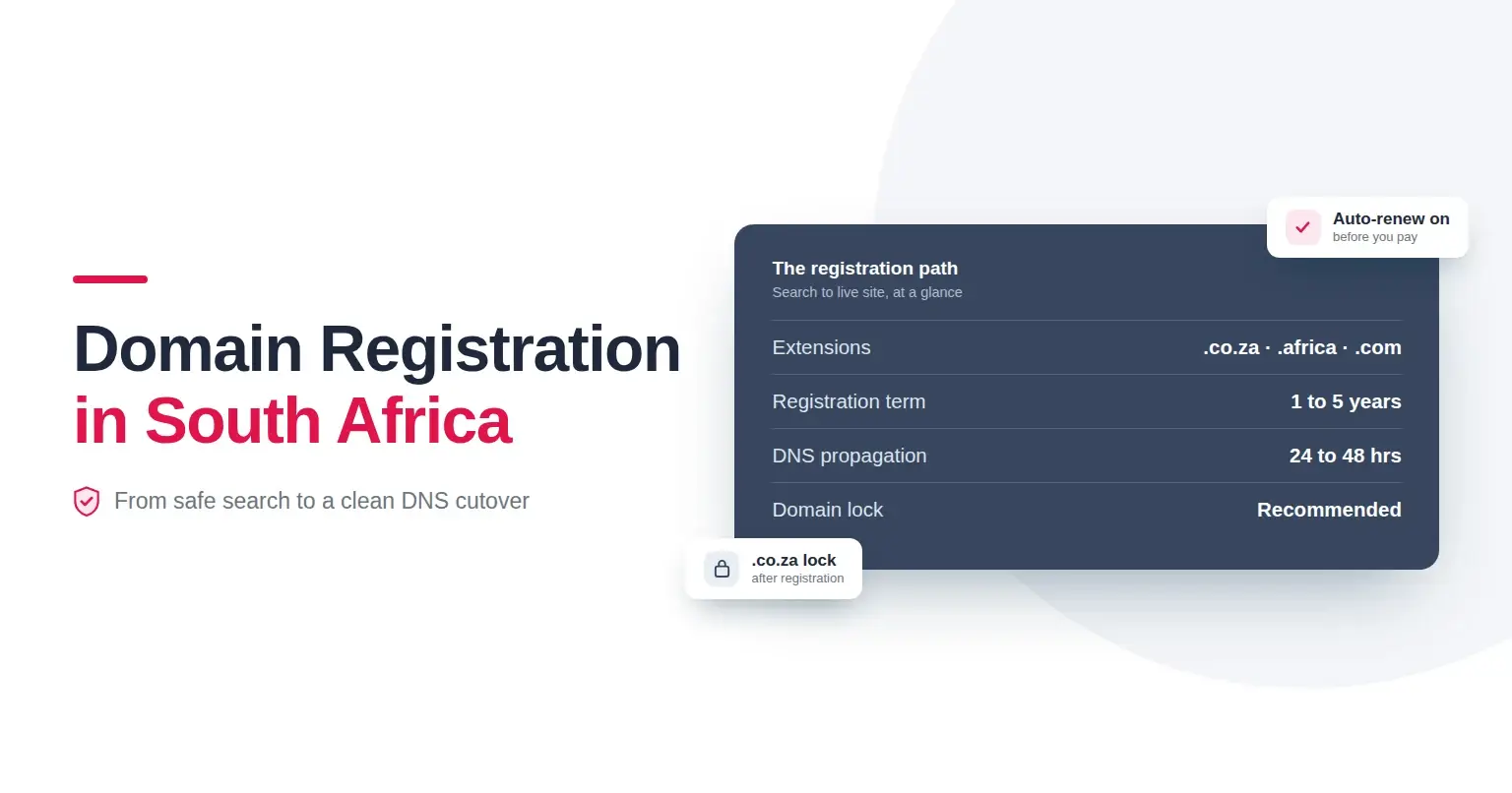
Your domain is the foundation. It becomes part of your email address, so choose something that aligns with your business name, is memorable, and easy to spell. Domains like .co.za or .com are ideal for local and global appeal. Once you have your preferred name in mind, check its availability and register it with a reputable provider. Register Domain offers secure and efficient domain registration with a seamless online process.
Tip: Consider registering multiple years upfront to secure your brand and avoid future interruptions.
2. Select the Right Email Hosting Service
Your hosting provider determines reliability, security, storage, and support. Look for features such as spam filtering, virus protection, and ample mailbox space. Local providers, like Register Domain, offer solutions tailored to South African businesses with robust uptime guarantees and support that understands your market.
When comparing hosting options, ask yourself:
- Do they offer web-based access (webmail)?
- Are SSL security certificates included for safe communications?
- Is customer support responsive and accessible?
3. Sign Up and Set Up Your Business Email
Once you’ve registered your domain and chosen your email hosting package, the next step is to actually
sign up for your email account. Afterward, you’ll use your hosting provider’s control panel to create your mailboxes – typically within minutes.
- Create addresses such as info@, sales@, or yourname@yourdomain.co.za, depending on your business structure.
- Set up email forwarding and auto-responses for timely communication.
- Access your business mail on any device, ensuring you don’t miss a beat.
If you need help, reliable providers offer tutorials, intuitive dashboards, and dedicated customer support.
What’s the Best Email Service for a Business Account?
The best business email service supports your brand’s growth and guarantees reliability. When making your choice, consider the following:
- Security: Your data and communications must be protected from spam and cyber threats. Opt for services with advanced security features and SSL encryption.
- Storage and Scalability: As your business grows, so will your email needs. Make sure your provider can scale with you.
- Integration: Does the service integrate with your existing website and productivity tools? Solutions that seamlessly blend with your other platforms save time and boost efficiency.
- Local Support: Providers with experience in the South African market offer better service customisation and support.
Popular business-grade options include Microsoft 365, Google Workspace, and local providers like Register Domain, which are ideal for South African businesses thanks to localised infrastructure and support. While global brands are robust, local providers often understand your specific compliance and business needs better, offering tailored packages and pricing.
Features to Look For in a Business Email Service
To set your business up for success, prioritise these features:
- Custom Domains: Your brand deserves its own stage. Ensure the provider allows you to use your domain for email addresses.
- Spam & Virus Protection: Keep your inbox clean and your data safe.
- Mobile Access: Access your email from anywhere, on any device.
- Easy Administration: A user-friendly control panel or dashboard makes managing addresses and passwords a breeze.
- Support: 24/7 customer support should be standard, providing peace of mind.
Getting Started Quickly
Setting up your business email shouldn’t be a daunting or technical exercise. With Register Domain, you can secure your domain name, choose an email hosting package that fits your needs, and create professional addresses – all in a few simple steps. Their team will guide you through the process, ensuring your business makes the right first impression from day one.
Final Thoughts: Elevate Your Brand with a Professional Email Address
A business email address is an investment in your brand’s credibility and communication. By choosing the right domain, pairing it with reliable hosting, and setting up professional mailboxes, you signal to clients that you take your business seriously.
Ready to get started? Register Domain is here to help you secure your domain, set up robust email hosting, and provide the ongoing support you need to keep your business moving forward. Don’t let first impressions – or security – fall by the wayside. Take the first step towards a professional digital presence today.