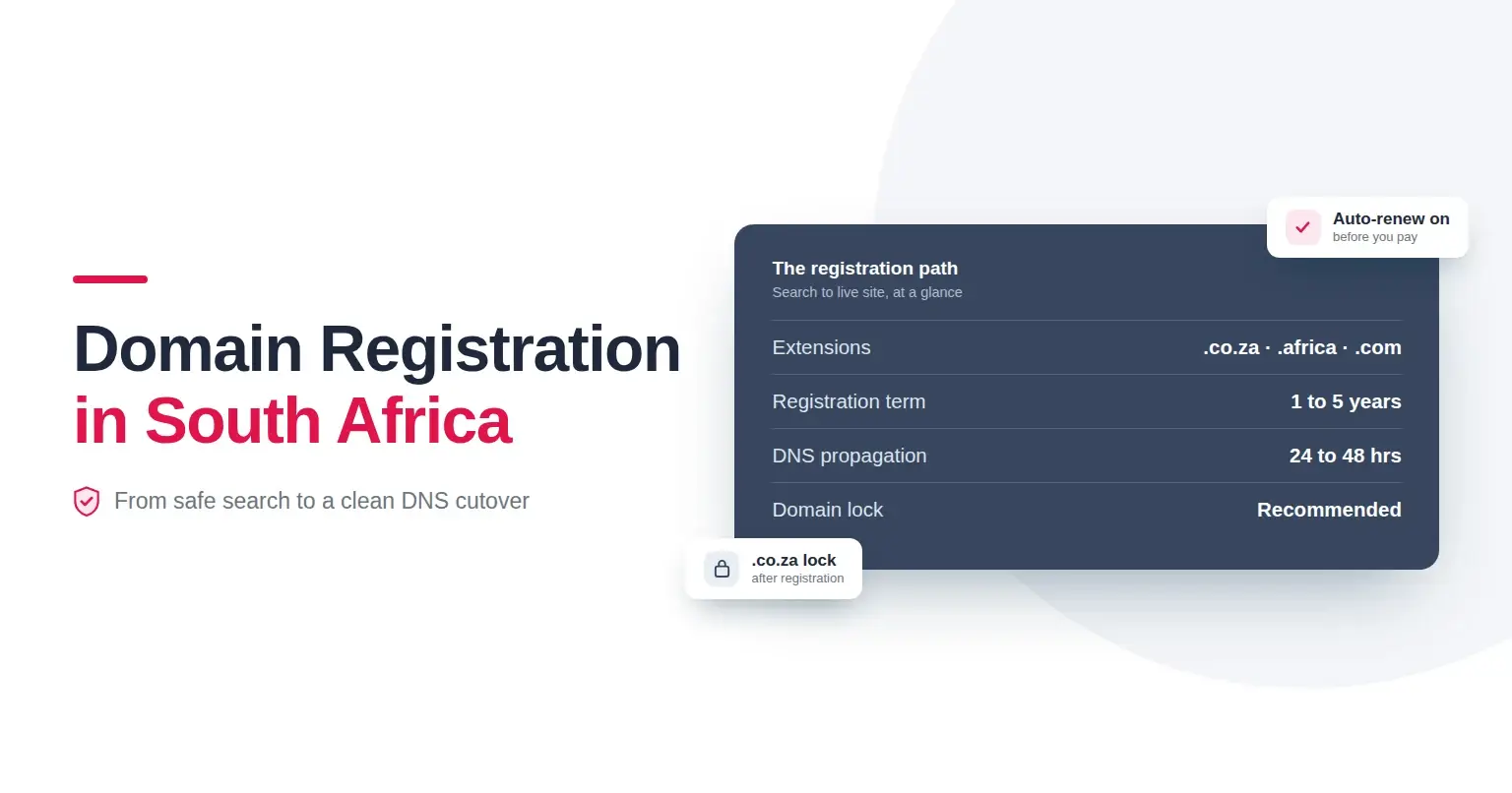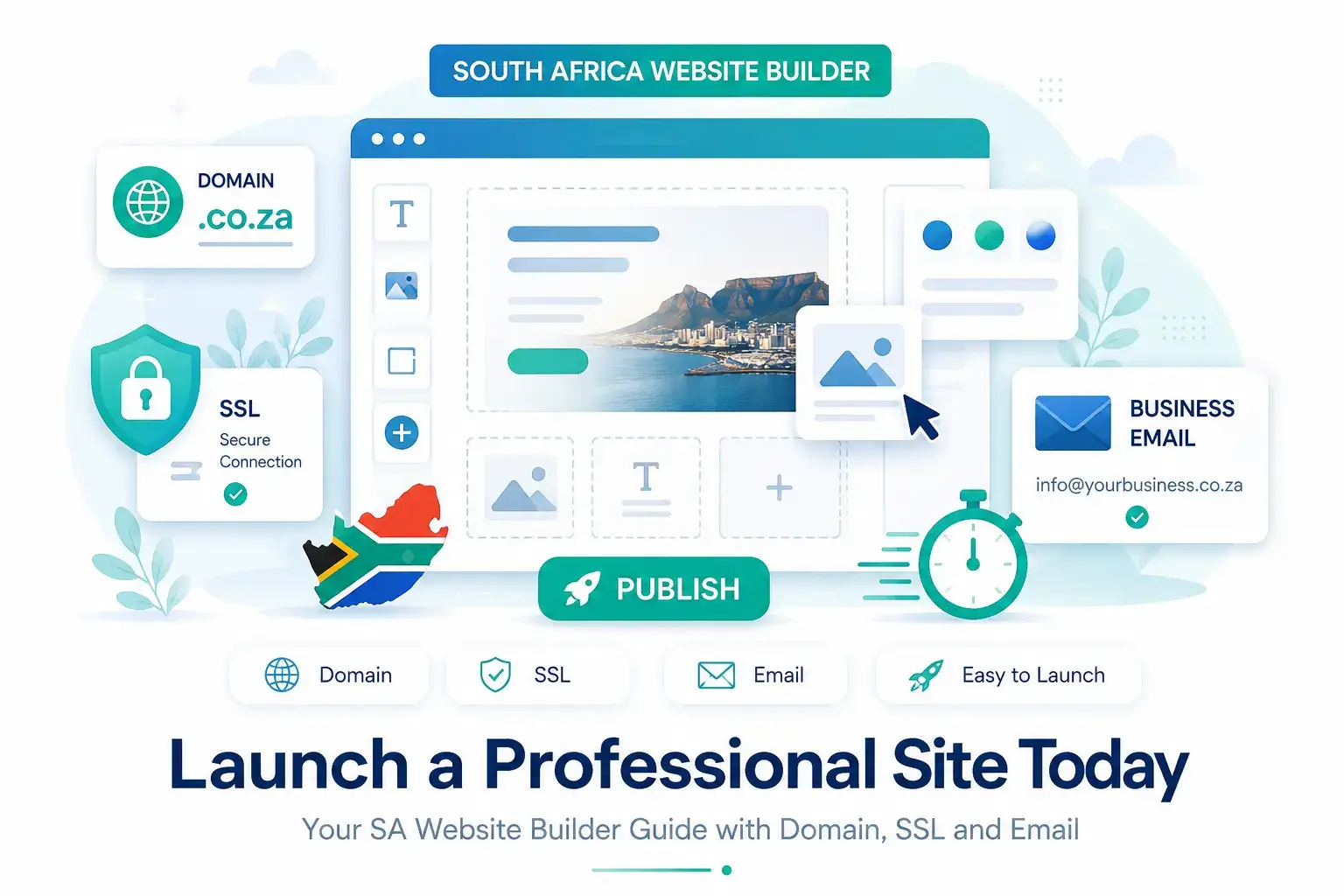
A website builder South Africa businesses can rely on should make it simple to launch a professional site with a custom domain, SSL security and business email. If you want to get online quickly without coding or plugin maintenance, Register Domain’s website builder gives you a faster path from idea to published website.
This website builder South Africa guide shows you how to go from idea to live website without needing code or technical maintenance. It shows how South African SMEs and side-hustlers can launch a polished site in about 60 minutes using Register Domain’s website builder. You will learn how templates and drag-and-drop tools work, why a local .co.za domain builds trust, what to budget in ZAR, and how to publish with SSL and set up email that matches your brand.
Ready to go live today? Start building now, and if you are unsure which layout will fit your industry, chat to support for template recommendations.
What a website builder is, and why it is ideal for SMEs
A website builder is an all-in-one tool that bundles design templates, drag-and-drop editing, built-in hosting, and SSL security into a single subscription. You pick a template, customise text and images, connect a domain, and publish. The platform handles updates and most security tasks, so you avoid patching and server admin.
Register Domain’s builder is designed for South African needs. It includes:
- Professionally designed, responsive templates that look great on mobile and desktop
- Built-in hosting in South Africa for fast local load times
- Automatic SSL so your site loads over HTTPS for credibility and SEO
- Guided steps to launch quickly, often the same day
If you need deep custom features later, you can still explore WordPress hosting. For most brochure, portfolio, and services sites, the builder gets you live faster with less maintenance.
Can you build a site without coding?
Yes. The builder’s drag-and-drop editor lets you add sections, move blocks, change colours and fonts, and swap images without any HTML or CSS. Choose a template that suits your business, then personalise headlines, services, pricing, and contact details. You can add forms, maps, galleries, and calls to action without writing code.
Why a .co.za domain builds trust
Customers in South Africa tend to recognise and trust local domains. A .co.za address signals that you operate locally, which can support credibility, help with local search relevance, and reduce friction when people click your links or share your URL. You can still register .com or other extensions, but for a South African SME, .co.za is a strong first choice. A website builder South Africa businesses use should work smoothly with a local domain, SSL certificate and branded email address.
To explore availability and live pricing across extensions, use the domain search on the Register Domain site. You can start a search and compare options using the availability tools for domain registration.
Website builder South Africa setup: launch your site in 60 minutes
Use this timed checklist to get from idea to live site in about an hour.
- Search and secure your domain (10 minutes)
- Brainstorm 2 to 3 short names. Prioritise your brand plus a service or location if needed.
- Check availability and pricing, then register your chosen .co.za where possible. Multi-year registration can reduce renewal risk.
- Keep your contact details correct to avoid missing renewal notices.
- Choose a template (10 minutes)
- Pick an industry style or a clean, minimalist layout that highlights your services.
- Look for templates with prebuilt sections you need: hero headline, services grid, testimonials, and a contact form.
- Customise content with drag-and-drop (20 minutes)
- Replace placeholder text with a clear value proposition: who you help, what you do, and where you operate.
- Add your top 3 services with short descriptions and indicative pricing if applicable.
- Insert a call to action button in the hero area, for example, Request a quote or Book a call.
- Upload your logo and brand images. Compress large images to improve page speed.
- Check the mobile preview as you go to ensure headings and buttons remain readable.
- Publish with SSL (5 minutes)
- Connect your domain in the builder, then publish. SSL is included and will enable the secure HTTPS padlock, which improves trust and often helps with SEO.
- Set up professional email (10 minutes)
- Create addresses like hello@yourdomain.co.za or accounts@yourdomain.co.za.
- If you prefer to forward mail to an existing inbox, set up email forwarders instead.
- For full mailboxes with spam filtering and IMAP, choose dedicated email hosting so you can sync across phone and laptop.
- Add SPF and DKIM in the DNS Manager to help your messages land in inboxes, not spam.
- Do basic SEO (5 minutes)
- Set a clear page title and meta description for your home page.
- Write a short, keyword-informed H1 headline that reflects your service and location.
- Make sure your sitemap is active or auto-generated, then submit it in Google Search Console when ready.
Total: about 60 minutes, depending on how much content you have prepared. If you get stuck, open a support ticket for guidance.
What a simple South African website costs
Budget ranges vary by features and promotions, but typical expectations are:
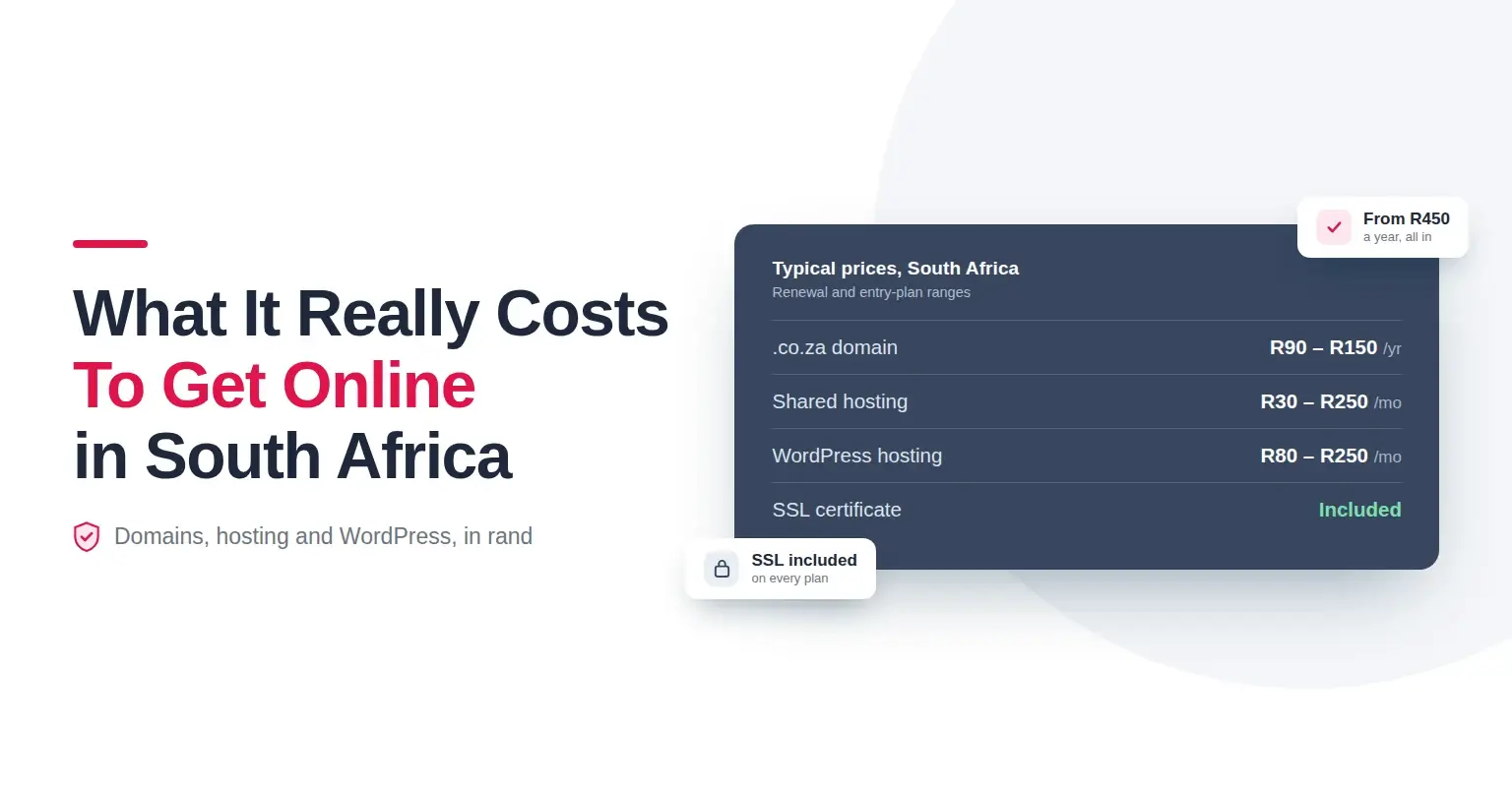
- Domain registration: .co.za often falls between R90 and R150 per year, while .com typically ranges from about R200 to R400 per year. Always confirm live rates before purchase.
- Website builder subscription: paid plans are monthly or annual, with built-in hosting and SSL included. Exact pricing depends on the current plan tiers and promos.
- Email hosting: professional mailboxes are billed per mailbox per month. Forwarders are usually lower cost, but full mailboxes offer spam protection and syncing across devices.
- Promotions: select hosting packages may include a free .co.za domain when ordered together and kept active for at least 3 months, with conditions applying. Check current availability before checkout.
Note on currency: ZAR is the South African Rand. If you ever need a refresher, the knowledge base explains what ZAR stands for.
Is there a free way to build a site?
You can explore entry-level trials to test templates and the editor, which is useful for planning and content prep. Ongoing use typically becomes a paid subscription to unlock your custom domain, remove branding, and access full features. Be cautious about long-term free options that force a subdomain and show ads, since they can reduce credibility and limit SEO.
If you want more control and do not mind extra setup, you could also use WordPress on a low-cost hosting plan, but that adds theme, plugin, and maintenance tasks. The builder remains the fastest route for most SMEs.
Website builder features at a glance
- Templates: modern, responsive designs for services, portfolios, and local businesses
- Drag-and-drop editor: add sections, forms, galleries, and buttons without code
- Mobile responsive: every template adapts to phones and tablets
- Built-in hosting: local infrastructure for fast load times in South Africa
- SSL included: automatic HTTPS for security and credibility
- Domain integration: connect .co.za and other extensions easily
- Email options: create professional addresses or use forwarders to an existing inbox
- DNS Manager: manage A, MX, TXT, SPF, and DKIM records as needed
Quick internal resources to help you move faster
- Compare and register your preferred domain using the availability checker on the Register Domain domain registration page.
- Explore the website builder plans and templates to see what fits your business.
- If you are planning a WordPress site instead of the builder, review the local web hosting options for South Africa performance.
FAQ: straight answers to common questions
A website builder is a subscription tool that includes templates, drag-and-drop editing, hosting, and SSL so you can design and publish a site without coding.
Yes. You can customise layouts, text, and images with the editor. No HTML or CSS needed.
Plan for a domain from roughly R90 to R150 per year for .co.za, and a monthly or annual builder subscription that includes hosting and SSL. Email hosting is billed per mailbox. Always confirm live pricing and renewal rates.
Trials can help you test the editor, but publishing on your own domain and removing ads usually requires a paid plan. Free subdomain sites can work for testing but are not ideal for a business brand.
Search for your preferred name, register it, then create mailboxes like info@yourdomain.co.za via email hosting or set up forwarders if you prefer routing to an existing inbox. Add SPF and DKIM for better deliverability.
Final thoughts
You can launch a credible, mobile-ready website this afternoon. Choose a .co.za domain for local trust, pick a template, customise your content, publish with SSL, and set up matching email. Keep it simple now, then refine as you grow. Start building now, and if you want a second opinion on layouts, chat to support for template recommendations. With the right website builder South Africa business owners can launch quickly, look professional and manage updates themselves.
Links mentioned:
- Search and register your domain: https://www.registerdomain.co.za/domain-registration
- See the Website Builder: https://www.registerdomain.co.za/website-builder
- Explore local Web Hosting: https://www.registerdomain.co.za/web-hosting
- Learn what ZAR means: https://www.registerdomain.co.za/knowledgebase/120/What-does-zar-stand-for.html