In the digital age, email remains the backbone of professional communication. Whether you are running a small business or working within a larger company, knowing how business emails work and how they differ from personal emails is crucial. This guide will help you understand what makes an email address “business-grade,” highlight the structure of business email addresses, answer your questions about @gmail accounts, and provide relatable examples.
What Makes an Email “Business Email”?
A business email is an email address that uses your company’s domain name instead of a generic provider such as Gmail or Yahoo. Business emails bring professionalism and trust to your communications, making it clear
who you are and who you represent with every message sent.
Example of a Business Email
If your business is called “Cape Town Bakes” and your website is www.capetownbakes.co.za, your business email could look like:
info@capetownbakes.co.za
or
sales@capetownbakes.co.za
These addresses use your domain name (in this case, capetownbakes.co.za), reinforcing your brand identity every time someone sees your email.
In comparison, sending company emails from addresses like capetownbakes@gmail.com or jane_ctbakes@yahoo.com looks less professional and may be confusing to clients or business partners. It might also raise
concerns about legitimacy, especially in formal exchanges.
Key Differences Between Business and Personal Emails
Understanding the distinction between business and personal emails will help you make better choices for your professional communications.
- Domain Ownership: Business emails use a custom company domain, e.g., @yourbusiness.co.za. Personal emails rely on public email services, like @gmail.com or @yahoo.com.
- Professionalism: Having a business email portrays credibility. Attachments or invoices from a business address appear more authentic to clients.
- Control: With business emails, you (or your IT admin) can create and manage accounts, enforce security policies, and ensure data backup.
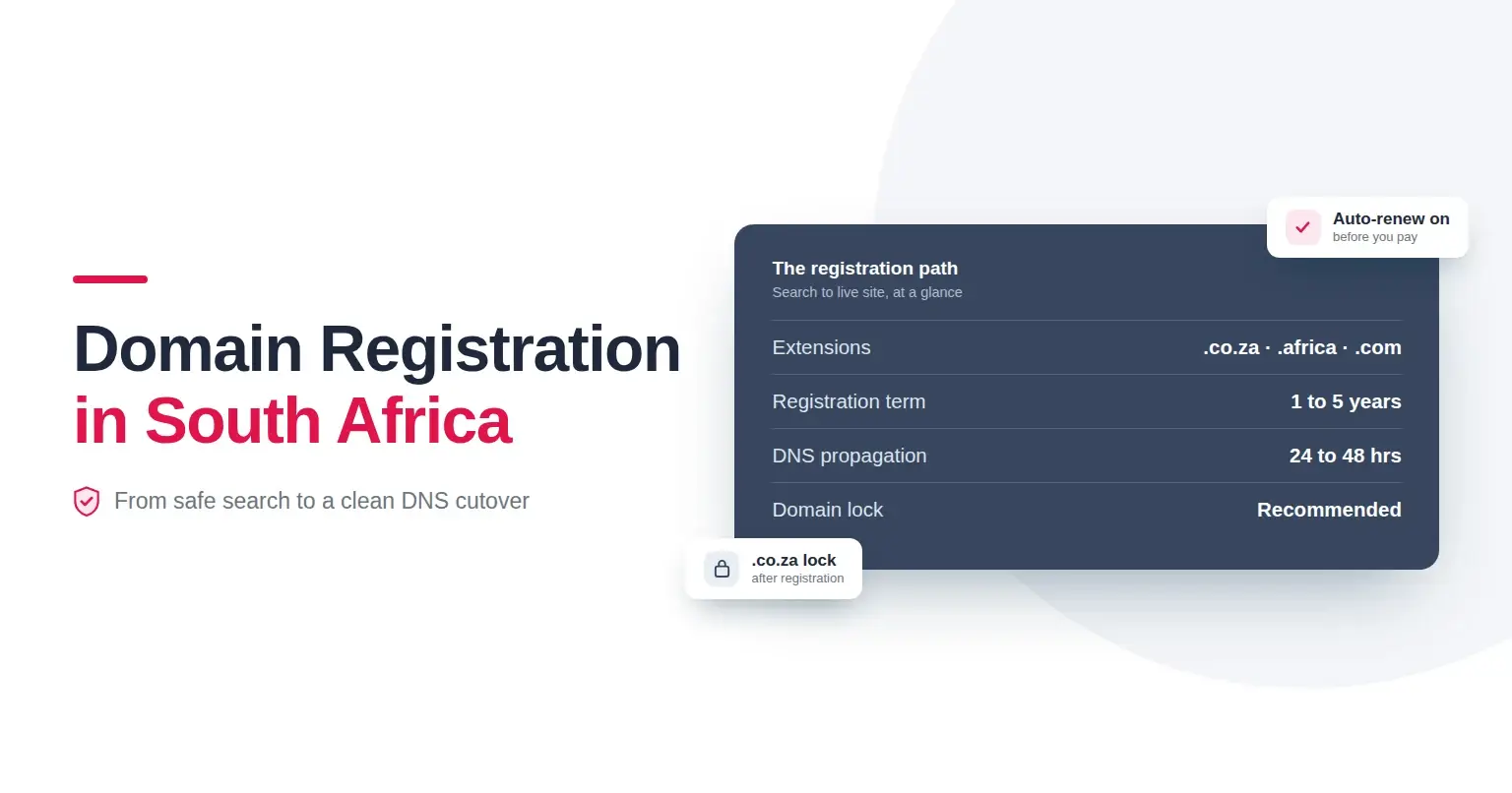
Setting up a business email is straightforward once you have secured your company’s domain. Providers like Register Domain offer user-friendly tools to register and manage your domains and create professional email
addresses that suit your team’s needs.
The Structure of Email Addresses
All email addresses follow the same basic structure:
username@domainname.extension
- Username: This is usually the individual’s name, job role, or department (e.g., “info”, “sales”, or “john”).
- Domain Name: This comes after the @ symbol and defines the organisation or email service provider. For businesses, it reflects their unique web address, and for personal emails, it refers to services like Gmail.
- Extension: This identifies the domain type, such as .co.za, .com, or .net.
Understanding @gmail in Email Addresses
You might often see email addresses ending in @gmail.com. Gmail is a popular, free email service provided by Google. When you see someone using @gmail.com, it means their mailbox is hosted by Google, and it’s likely
used for personal or informal purposes.
For business owners, although Gmail is widely accepted for personal use, it misses the crucial touchpoint of branding that comes from a custom domain. While Gmail offers robust security and user experience, it doesn’t
promote your company’s identity the way a @yourcompany.co.za address can.
Why Your Business Needs a Custom Email Address
If you aim to build trust, retain clients, and project stability, having a business email is not just a good idea—it’s essential. Here’s why:
- Brand Recognition: Every email you send is a branding opportunity.
- Security: Custom domains allow for better control over security settings and compliance.
- Scalability: As your business grows, you can add or remove users, manage aliases, and enforce uniform practices.
- Ownership: You own all data and correspondence, as opposed to relying on a third-party free platform.
How to Set Up a Business Email
Getting started is simple:
- Register your company’s domain name via a trusted provider.
- Choose an email hosting solution that meets your organisation’s needs.
- Create addresses for your team or departments (e.g., info@, support@, or firstname@).
- Implement security protocols such as SSL certificates for encrypted communication.
Platforms like Register Domain can assist you throughout this process, offering both secure domain registration and robust email hosting options tailored for businesses in South Africa.
Summary: The Power of Professional Communication
Choosing between a personal and a business email address is more than a technical decision, it’s a strategic one. A business email using your organisation’s custom domain not only elevates your company’s image but
also offers enhanced security and management features.
If you want to present your company professionally and manage your online identity with confidence, start by securing your own domain name. With a trusted partner, you can establish credible email domains for
seamless communication with your clients and team.
Looking for guidance on setting up your business email? Explore our range of solutions at Register Domain, and discover how easy it is to upgrade your business communications today.